The File Manager is a web app for working with the files and folders stored in your CompleteFTP account. From any modern web browser — on a computer, tablet or phone — you can upload and download files, organise them into folders, preview and edit them, search, and share them with other people.
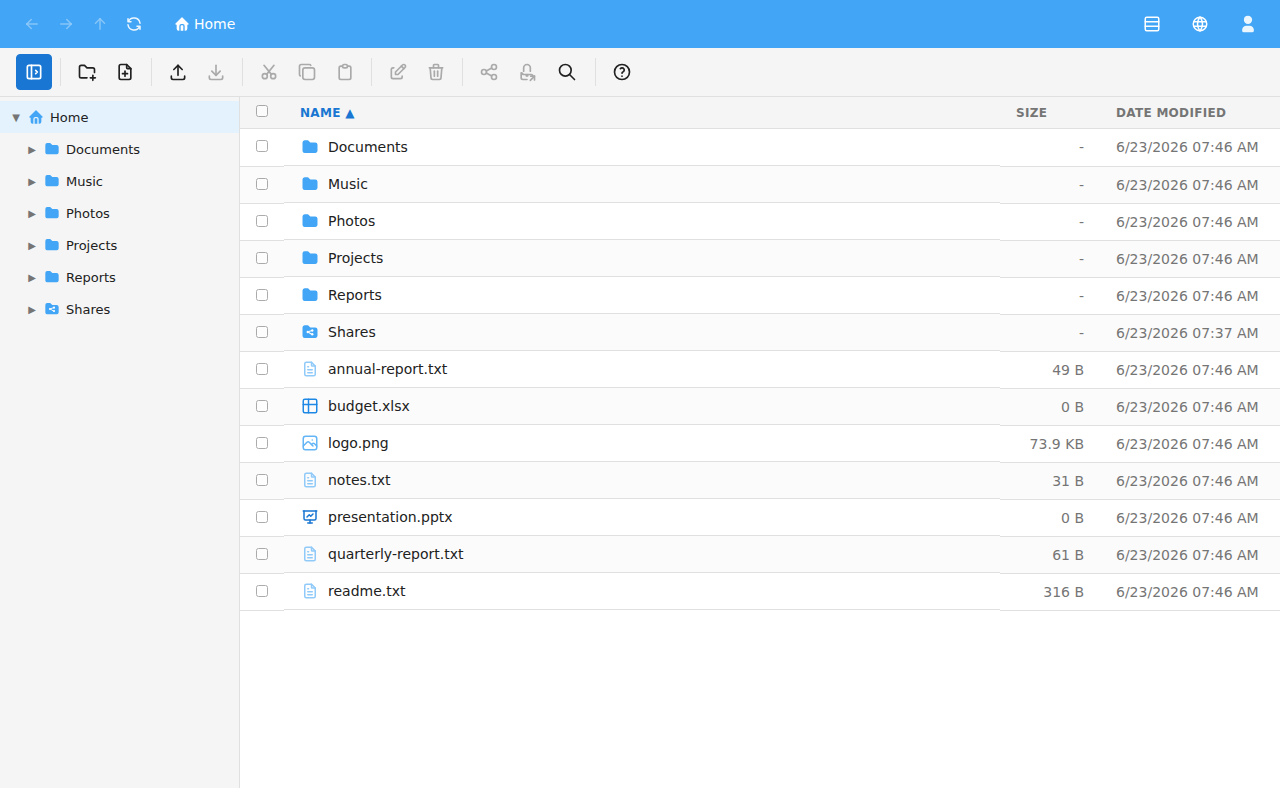
You can open this guide at any time while using the File Manager by clicking the Help button (the question-mark icon) on the toolbar, or by pressing F1. Use the list of topics on the left to move between pages. To close the guide, click the × button or press Esc.
Some features described in this guide depend on the permissions granted to your account and on how your administrator has configured the server, so you may not see all of them. For example, sharing is only available when your administrator has enabled it.