On small screens the layout adapts so the File Manager stays easy to use on a phone or tablet.
The navigation pane is hidden by default to save space. Show it with the toggle button on the toolbar.
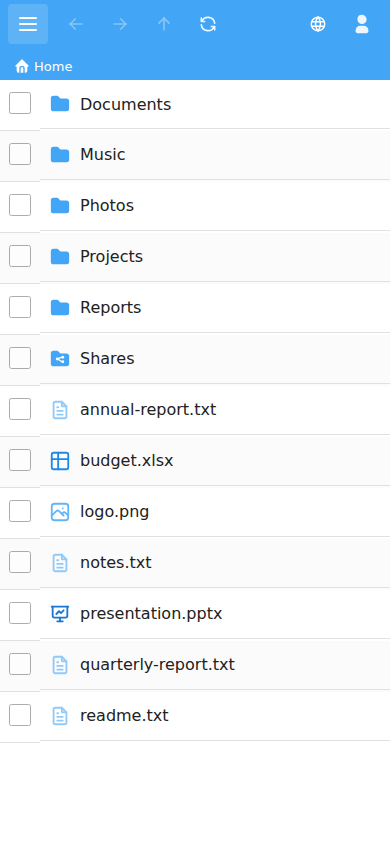
The toolbar actions move into the Actions menu, opened with the ☰ button. Select All / Unselect All is in this menu too.
The search box appears as its own row when you tap Search.
See also The interface, Selecting files and Right-click menus.