Your username is shown at the top right of the window.
Click your username to open the account menu, which has two options:
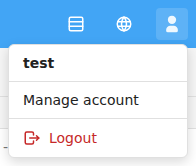
Logging out ends your session. You'll be asked to confirm first.
If your session times out while you're away, a Session Expired message appears. Click Log In Again to sign back in and continue.
See also Overview.