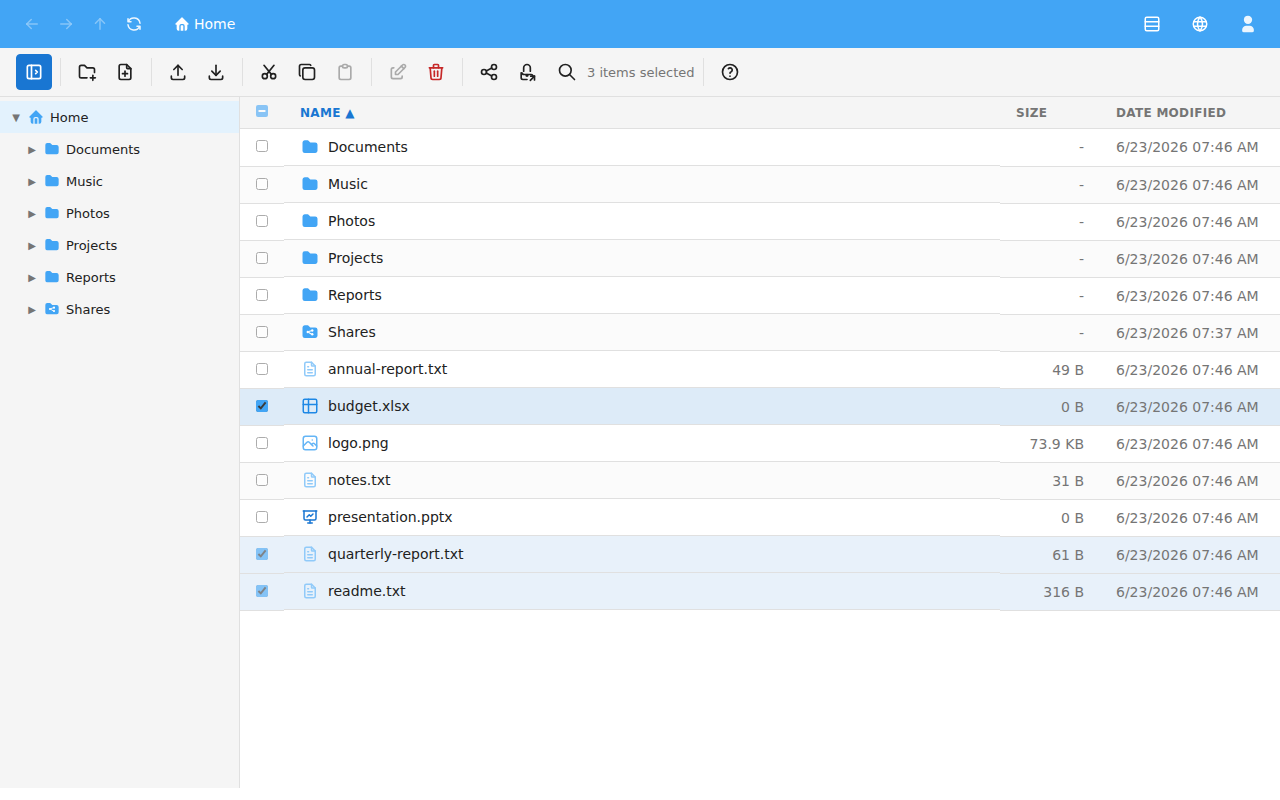
Before you copy, download, delete or otherwise act on items, you choose them by
selecting their checkboxes. You can select one item or many at once.
Selecting items
Click an item's checkbox to select it. Click it again to clear it.
To select a range, click one checkbox, then hold Shift and click
another — everything between the two is selected.
To select everything in the folder, click the checkbox in the column header, or
press Ctrl+A. On a phone or tablet, use
Select All or Unselect All in the Actions
menu — see Using a phone or tablet.
To clear the whole selection, press Esc.
Selecting folders
A single click on a folder opens it. To select a folder without opening it, click its
checkbox. See Navigating folders for more on
moving around.
What the selection is used for
The toolbar shows how many items you've chosen, such as "5 items selected". Most
actions work on the selected items, including Download,
Copy, Cut, Rename,
Delete and Share. For details of each, see
Copy, cut and paste,
Downloading files and
Deleting.