You can preview many kinds of file without leaving the File Manager, and edit text files in place.
Open a preview in any of these ways:
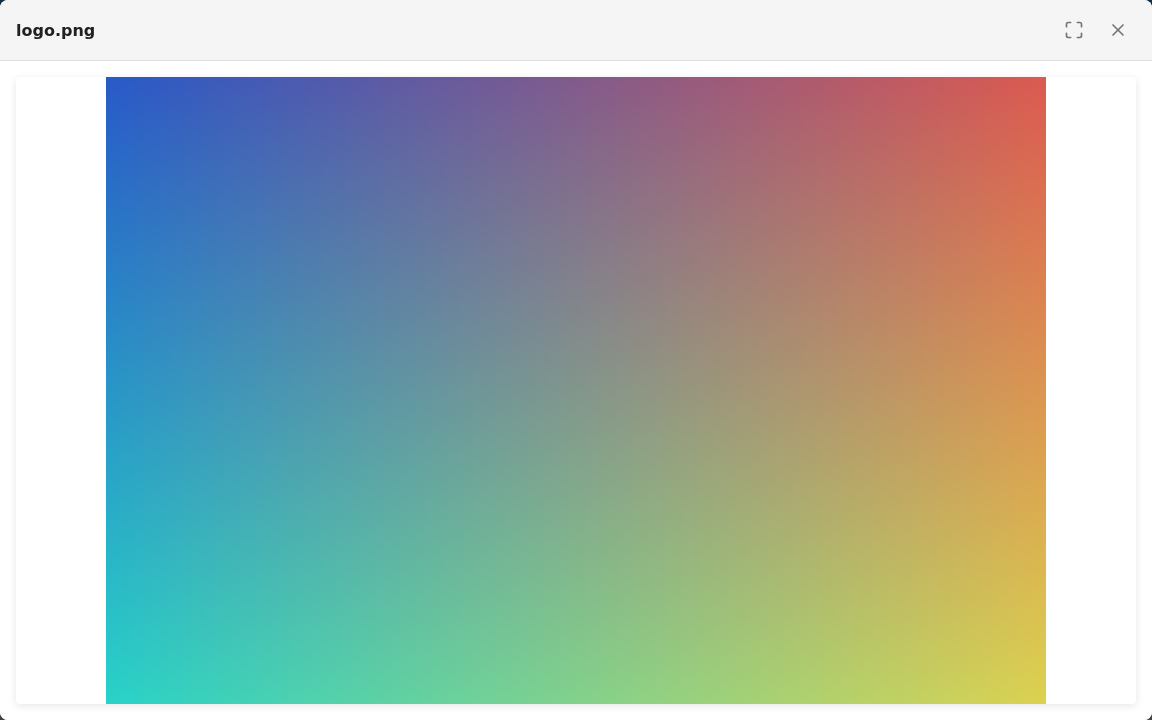
Images open with zoom and pan controls and a full-screen option, and can be downloaded.
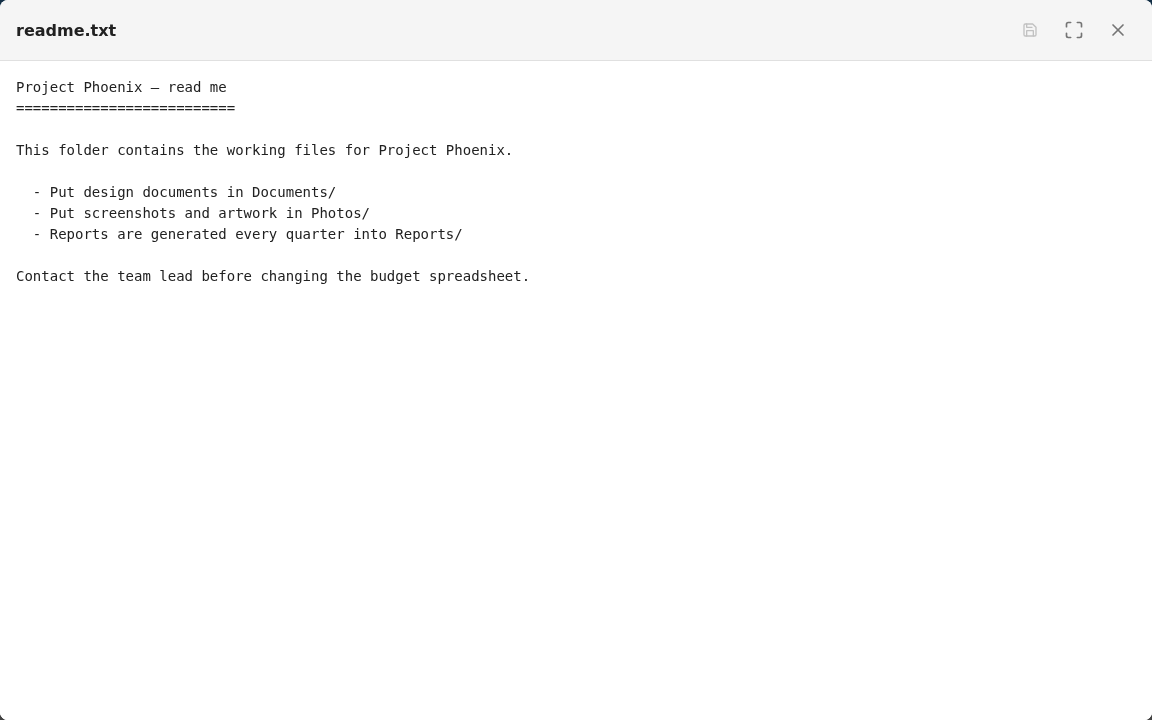
Text and code files open in a viewer with line numbers. If you have write permission you can edit the text and click Save. Otherwise the file opens Read Only. You'll be warned if you try to close with unsaved changes.
PDFs open in your browser's PDF viewer. If your browser can't display the file, you'll be offered the file to download.
Close the preview with Close or by pressing Esc.
See also Downloading files.