You can search for files and folders by name without browsing for them.
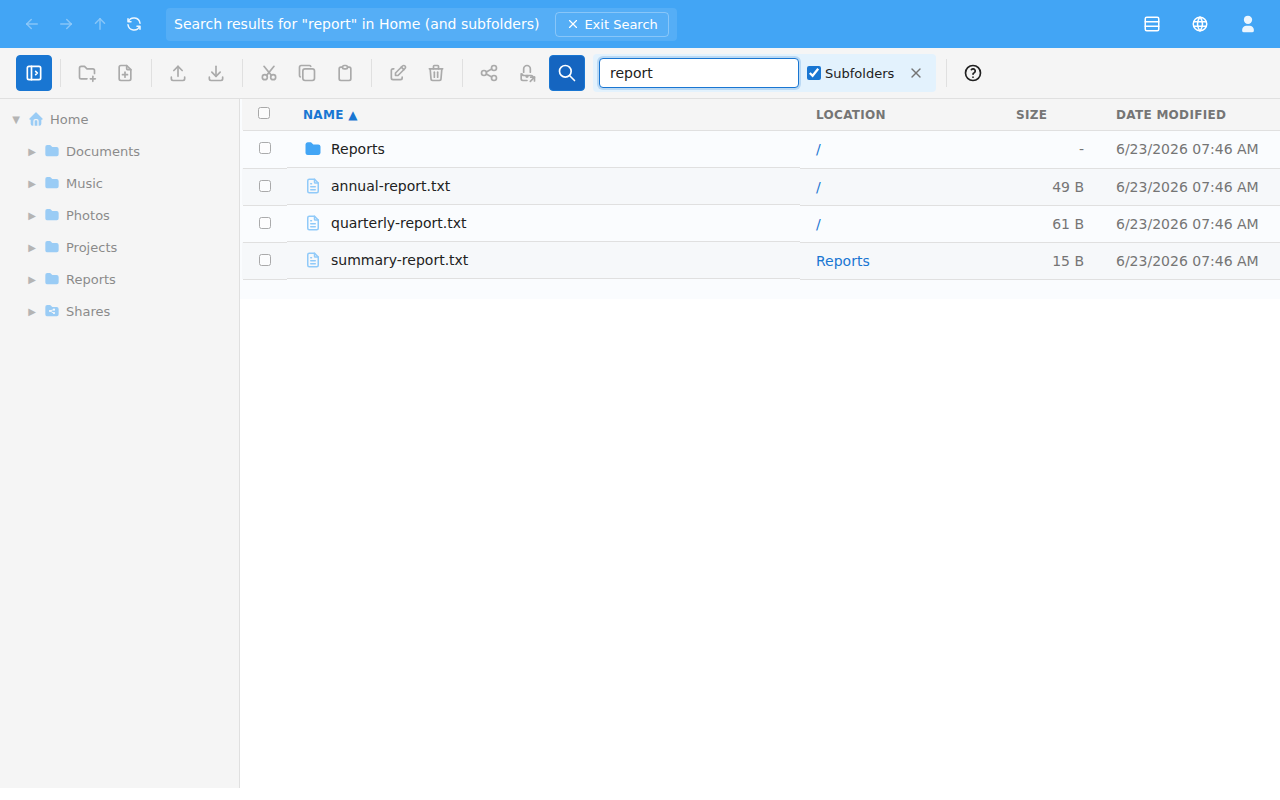
Use the Subfolders checkbox to control whether the search looks inside subfolders or only the current folder.
Results are listed with a Location column showing which folder each match is in. Click a result's location to go there. If nothing matches, you'll see "No results found".
While searching, the breadcrumb shows that you're viewing search results, and the navigation pane is paused. You can still select results just as you would in a normal folder — see Selecting files.
Leave search with the × (Exit Search) button, or by pressing Esc. You'll return to the folder you were in — see Navigating folders.