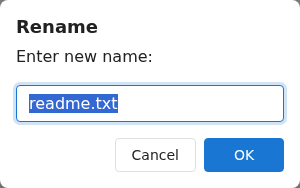
You can change the name of a file or folder at any time. This action is available on the toolbar, in the right-click menu, and (on narrow screens) in the Actions menu (☰) — see Right-click menus for more.
Renaming an item
Select exactly one item. See Selecting files for how to select.
Click Rename on the toolbar. Alternatively, right-click the item and choose Rename, or press F2.
Edit the name and confirm.
Rename works on one item at a time. It's unavailable when nothing is selected, or when more than one item is selected.
Permissions and restrictions
You need rename permission. Without it, the Rename action is greyed out.